
Simplify your expense claims with Fiduly
Sign-up for 30 days free trial, no credit card needed.
Sign-up for 30 days free trial, no credit card needed.
This guide explains how to manage your expense claims, expenses and supplier invoices in Fiduly. You will find the steps to create an expense, choose an expense category, manage VAT, attach a supporting document and use the Fiduly mobile app to photograph your receipts and invoices.
Expenses recorded in Fiduly can then be linked to your accounting, accounting entries and, if your company is subject to VAT, to your VAT statement.
To go further, also see the guides managing accounting in Fiduly and managing VAT with Fiduly.

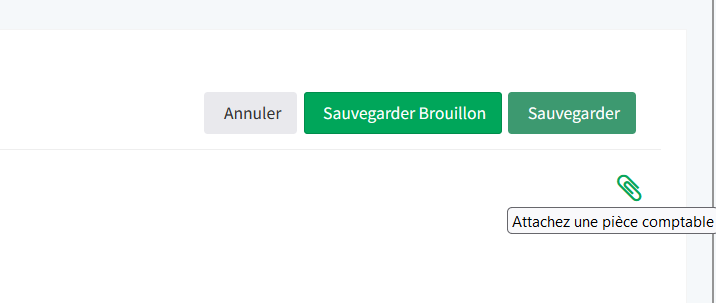
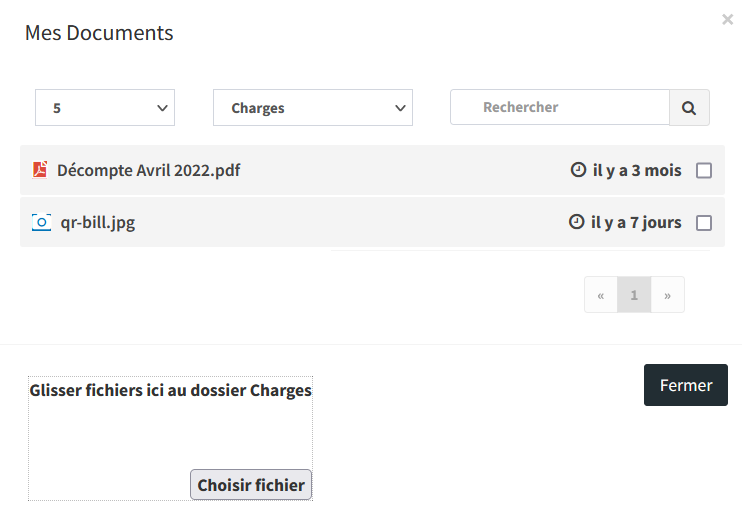
The Fiduly mobile app helps you manage your supporting documents more easily when you are on the go.
From your phone, you can:
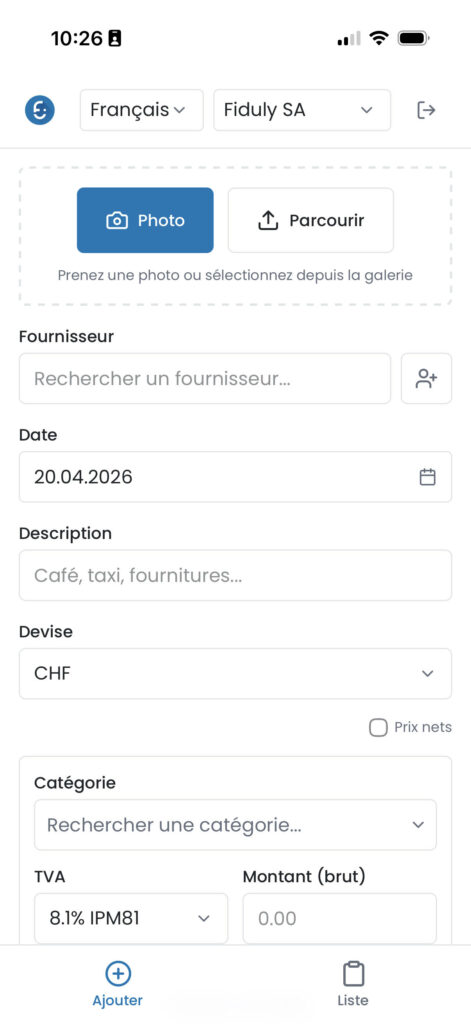
As soon as a purchase is made, you can take a photo of the supporting document and immediately add it to the corresponding expense. This helps you avoid lost documents, forgotten receipts and duplicate entry later.
The Fiduly mobile app works like a modern web app and gives you quick access to your essential features from your phone.
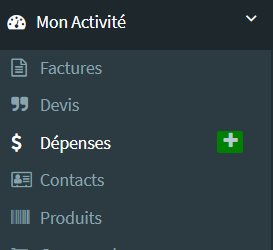
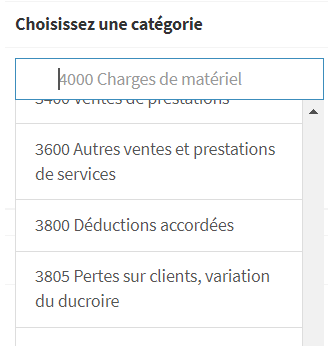
Open the “Expenses” section, enter the expense information, select the correct category, add the supporting document, then save.
Yes. You can attach a PDF, scan or photo to an expense, expense claim or supplier invoice.
Yes. The Fiduly mobile app allows you to photograph your supporting documents and add them more easily to your accounting.
An expense claim generally corresponds to an expense paid or advanced at the time of purchase. A supplier invoice corresponds to an invoice received from a supplier for the company.
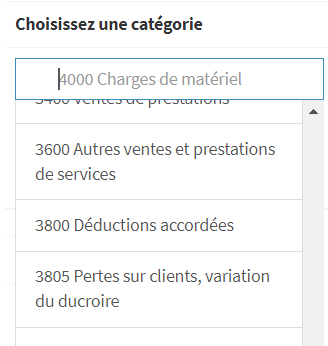
Yes. Fiduly allows you to use clearer expense categories linked to the accounts in the chart of accounts.
Yes. Expenses recorded in Fiduly can be linked to accounting accounts, supporting documents and accounting entries.
Yes. If your company is subject to VAT, expenses can include the VAT information needed for your accounting and VAT statements.
To go further, also see the guides related to accounting, VAT, balance sheet and invoicing.