Make accounting easier with Fiduly
30 day free trial · No credit card required
30 day free trial · No credit card required
When you issue an invoice or record an expense, Fiduly automatically opens the corresponding accounting period.
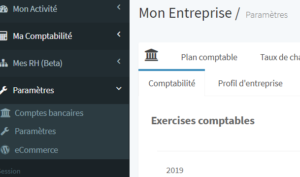
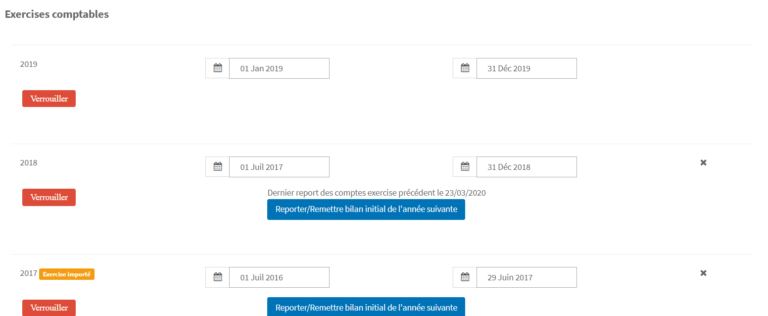
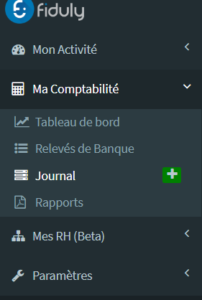
To edit, delete or add an accounting period to be managed by Fiduly, go to “Settings”, then “Accounting”.
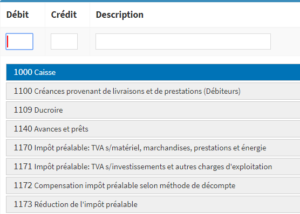
Enter the description
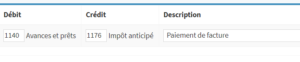

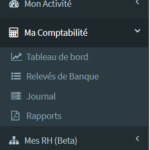

Note: to add a bank account to the chart of accounts, do not create the account manually by following the steps described here. Instead, configure the bank account from “Settings” / “My bank account”, so that the account is correctly linked to bank transactions and reconciliation.
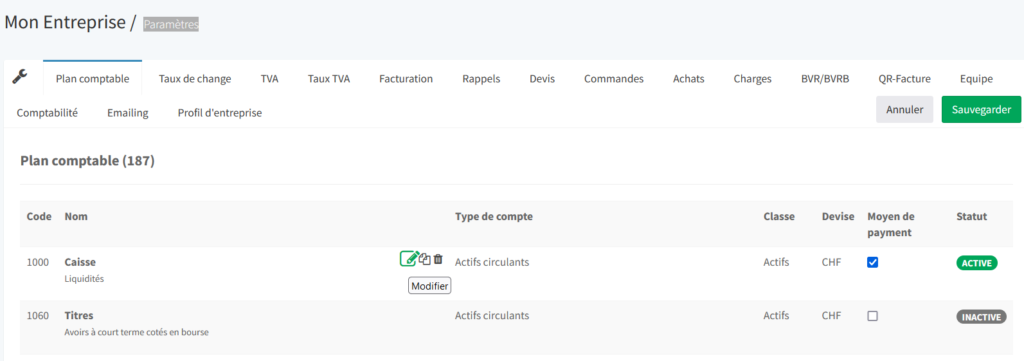
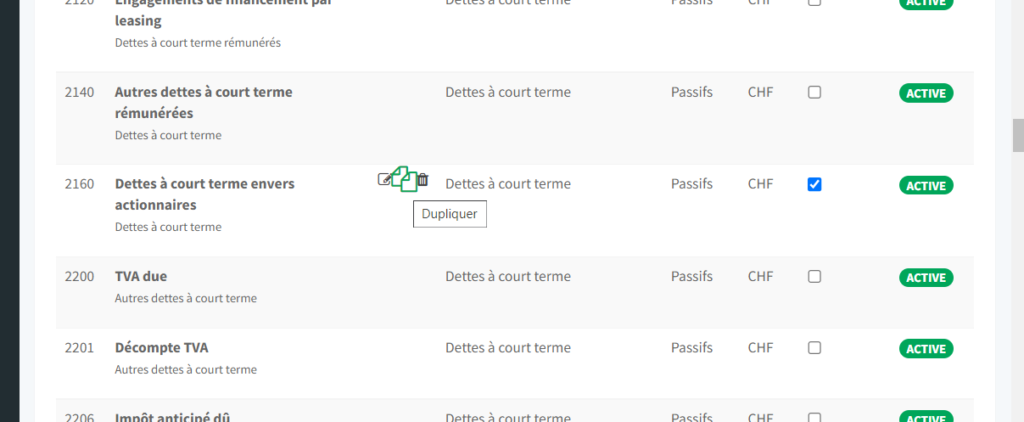
From the home page, choose “Settings”, then the “Chart of accounts” tab.
Go to the account you want to edit and click “Edit” next to the account name.
When you create your company in Fiduly, you choose your reference currency (Swiss francs “CHF” by default). Invoices, expenses and accounting entries in other currencies must include an exchange rate.
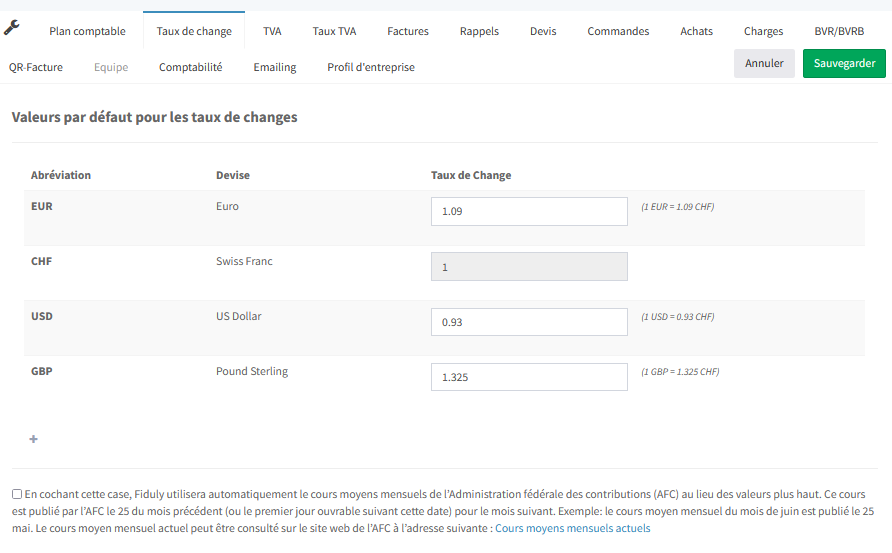
To add a currency, go to “Settings” and choose the “Exchange rates” tab.
Click + and add the currency you want to use, along with the default exchange rate. This exchange rate will be used by default when you add an invoice, an expense or create an accounting entry with this currency. You can change this rate later at any time.
Fiduly also allows you to automatically use the monthly average exchange rates published by the Federal Tax Administration (FTA). This rate is published by the FTA on the 25th of the previous month, or on the next working day, for the following month. Example: the monthly average rate for March is published on February 25. This option is useful if you are subject to VAT, as it does not create any advantage or disadvantage compared with using daily exchange rates.
Depending on the date of the invoice, expense or accounting entry, Fiduly will use the official monthly average exchange rate published by the FTA.
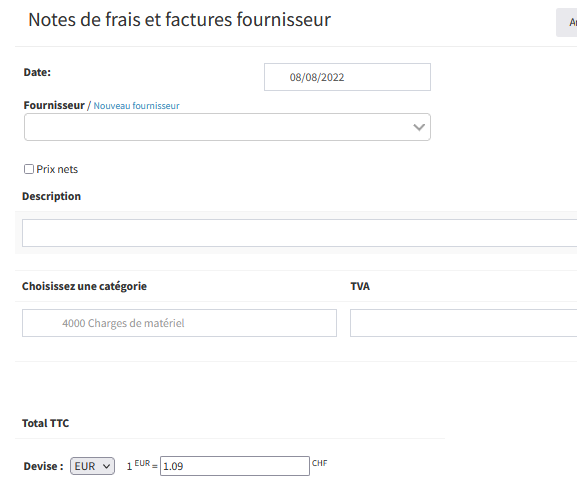
When you receive payment for an invoice, or pay your supplier invoice, enter the actual exchange rate applied by your bank. Fiduly will automatically record the exchange rate difference.
For example, for the following invoice of 100 euros, the FTA exchange rate used when issuing the invoice is 1 euro = 1.004 Swiss francs.



To go further, also see the guides related to accounting, VAT, balance sheet and invoicing.
Yes. When you issue an invoice or record an expense, Fiduly automatically opens the corresponding accounting period. You can also manage accounting periods from the accounting settings.
Yes. Fiduly automatically generates the entries related to invoices, expenses and payments, but you can also add manual entries in the accounting journal.
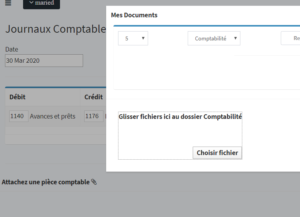
Yes. You can attach an accounting document to an entry in order to keep the supporting document linked to the transaction.
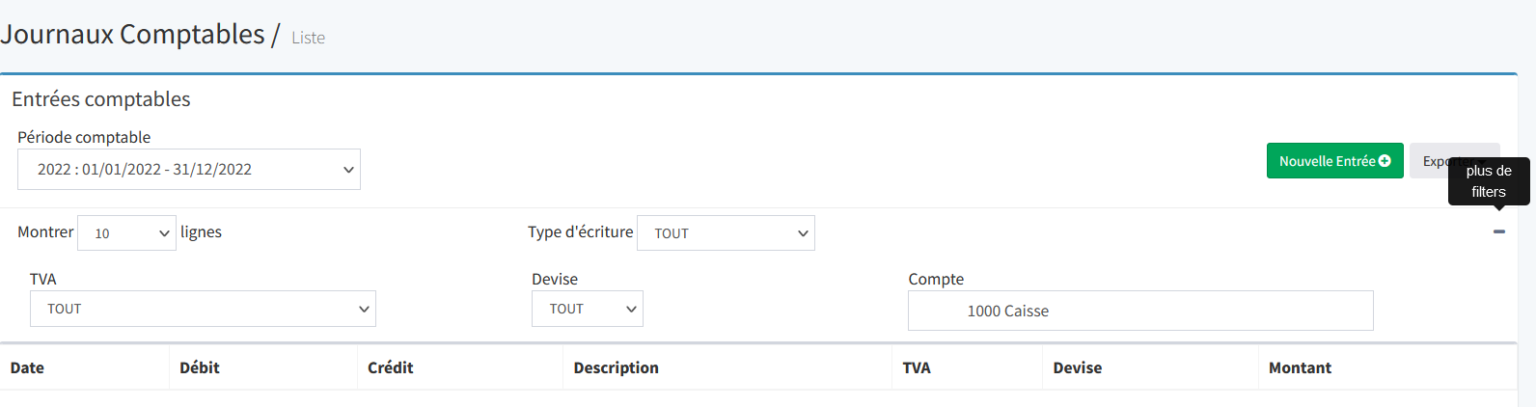
From the accounting journal, you can choose a period and export account statements as PDF or Excel. You can also filter the export for a specific account.
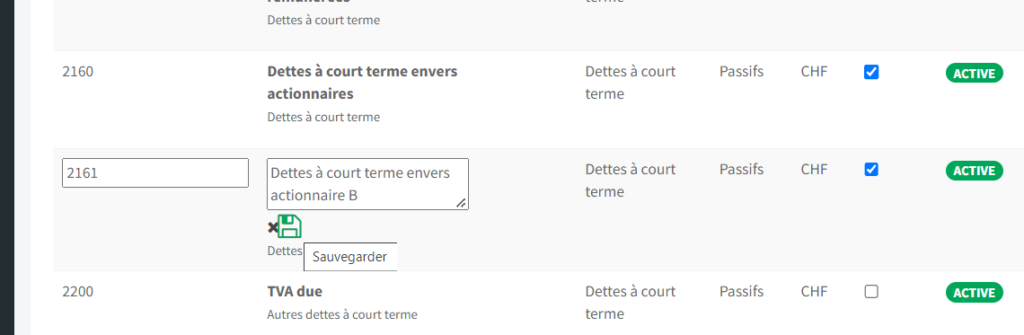
Yes. Fiduly allows you to edit an existing account or duplicate an account of the same type to add a new line to the chart of accounts.
es. From the accounting settings, Fiduly allows you to carry forward changes from one financial year to the opening balance sheet of the following year. This is useful when you have finalized or corrected accounting entries and want to update the opening balances for the following financial year.
Yes. Fiduly can automatically manage certain entries related to the closing of the financial year and the opening of the following year. This option can be enabled, disabled and configured in the accounting settings.
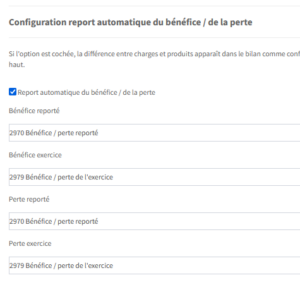
If the automatic carry-forward of profit or loss is enabled, the difference between expenses and income appears in the balance sheet according to the configured accounts. Please note: this configuration displays the result in the balance sheet, but does not automatically create an accounting entry. To generate the closing entries and carry forward the result for the year to the retained profit or loss account of the following year, use the “Reset opening balance sheet” button.
Accounts concerned according to your configuration: